Expand photo canvas borders.
Fit any banner or social format.
Seamlessly extend backgrounds in any direction without cropping your product or distorting studio props.
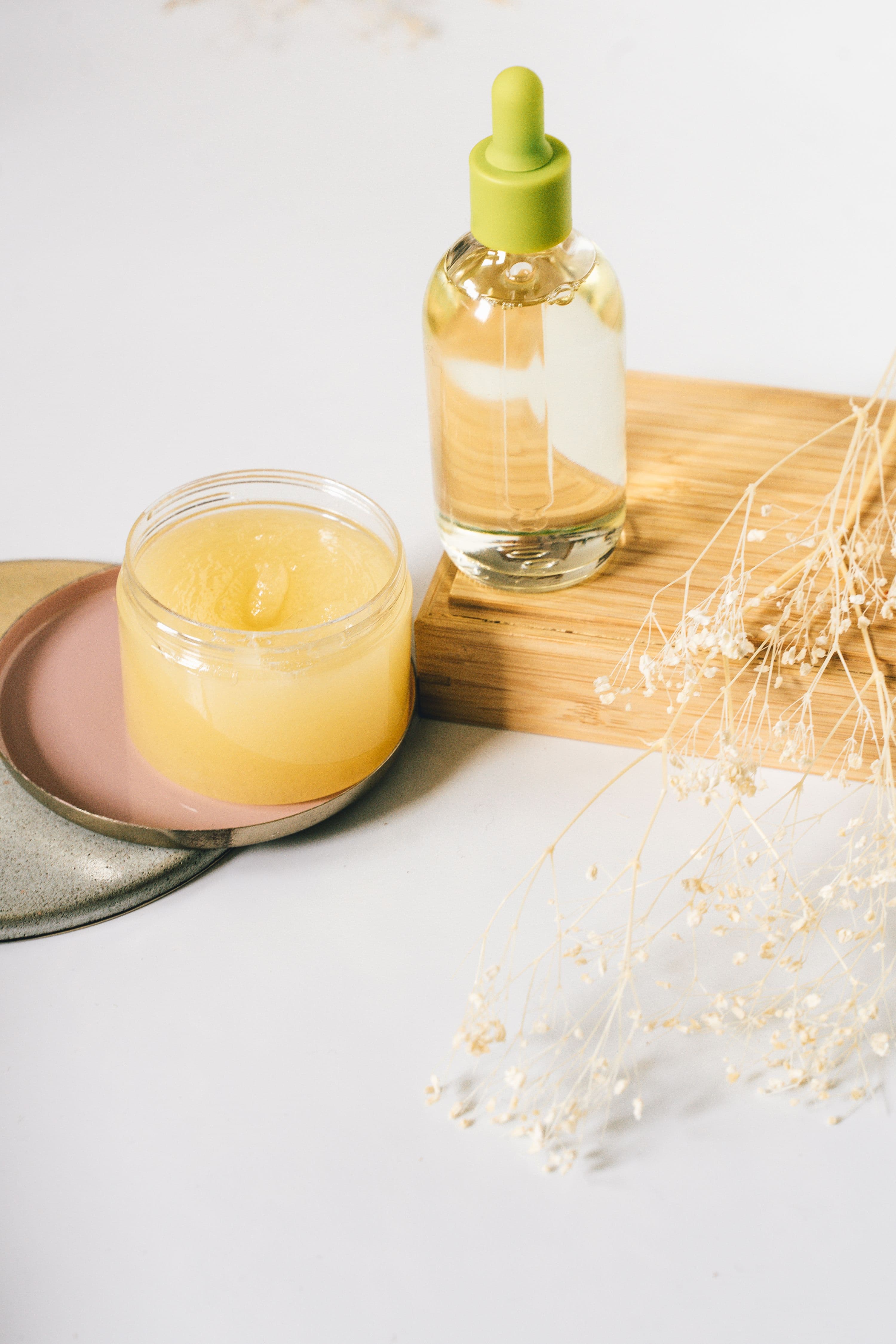
Turn square product photos
into wide 16:9 web banners
AI seamlessly outpaints the surrounding tabletop and studio environment, giving you wide hero banners without reshooting.
Resize for Instagram Stories,
Reels, and TikTok
Extend vertical height to 9:16 for full-screen mobile stories while keeping your product centered and sharp.
How to reframe photos
in 3 simple steps
Upload product photo
Upload any tightly cropped product or tabletop photo.
Choose aspect ratio
Pick 16:9 landscape, 9:16 vertical, or custom canvas dimensions.
Download extended canvas
AI fills the outer borders seamlessly while preserving your product 100%.
Every tool you need to create
better product visuals with AI.
Background Remover
Cut out bangles and products cleanly in seconds with crisp, pixel-perfect edges.
AI Backgrounds
Place handbags and products into realistic studio scenes with natural lighting and shadows.
Product Photoshoot
Show your bracelet worn on a model, in close-up shots ready for your catalog.
Model Photoshoot
Full-body fashion photoshoots of models wearing your apparel in stylish locations.
AI Human Model
Create realistic AI models to wear and showcase your products naturally.
Recolor
Change product colors and shades instantly to create all your color variants.
Image Upscaling
Turn low-res product photos into crystal-clear 4K images with sharp details.
Canvas Reframe
Expand image borders and change sizes easily without cropping your product.
Edit with Text
Modify products, jewelry, or details in your photo just by typing simple words.
Frequently
asked questions.
Got questions about Canvas Reframe? We have answers to help you create better commercial product visuals.