Turn one photo into a
complete commercial shoot.
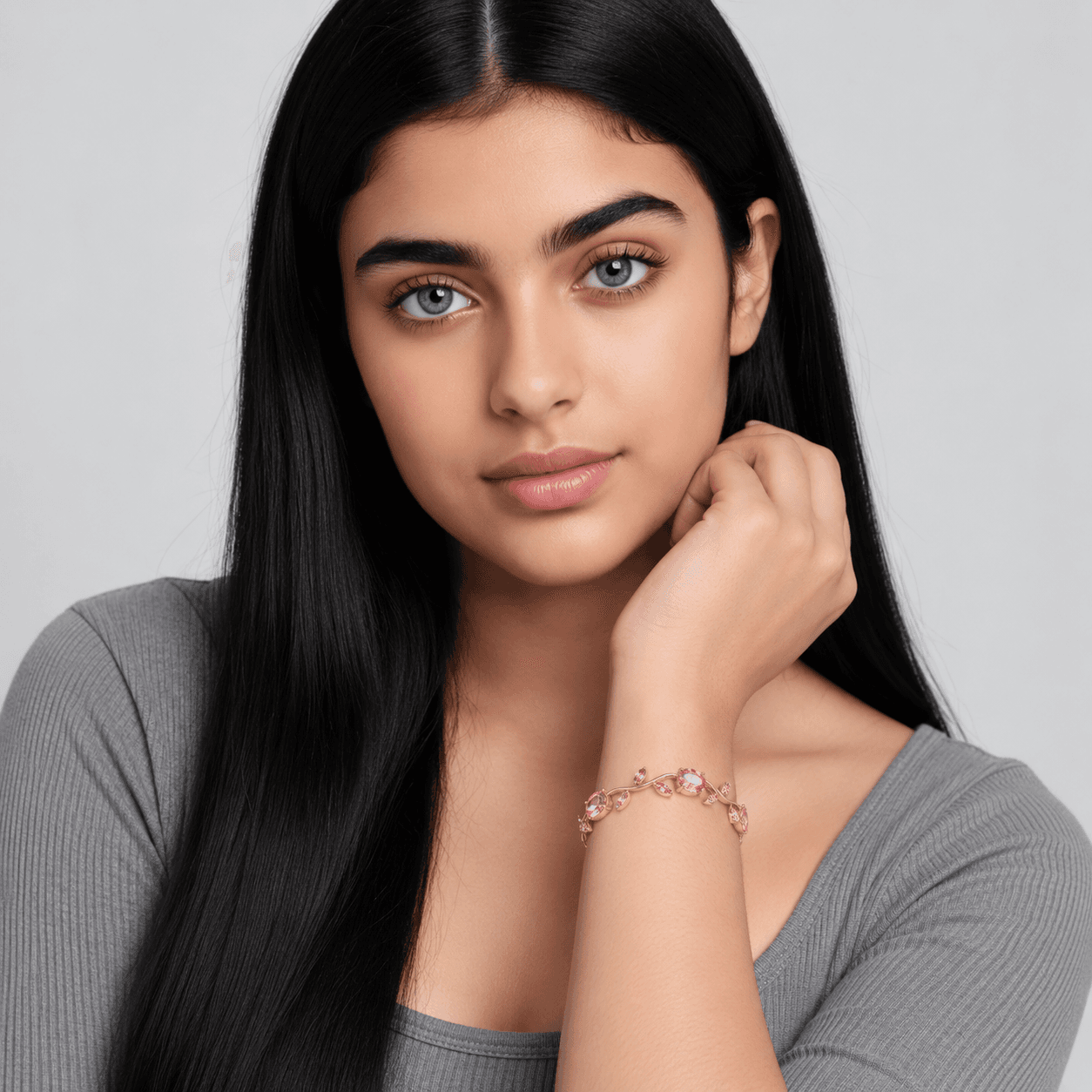
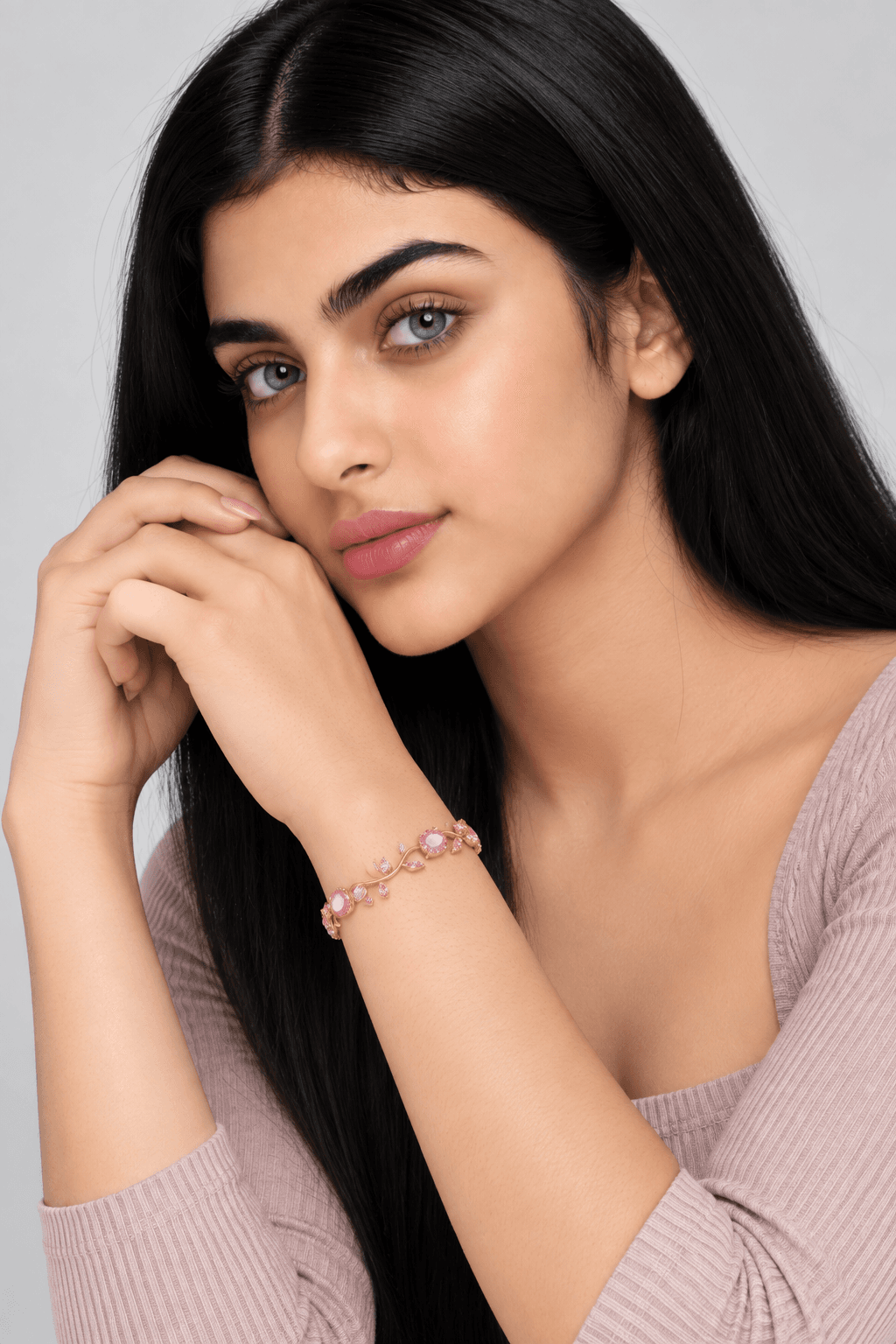
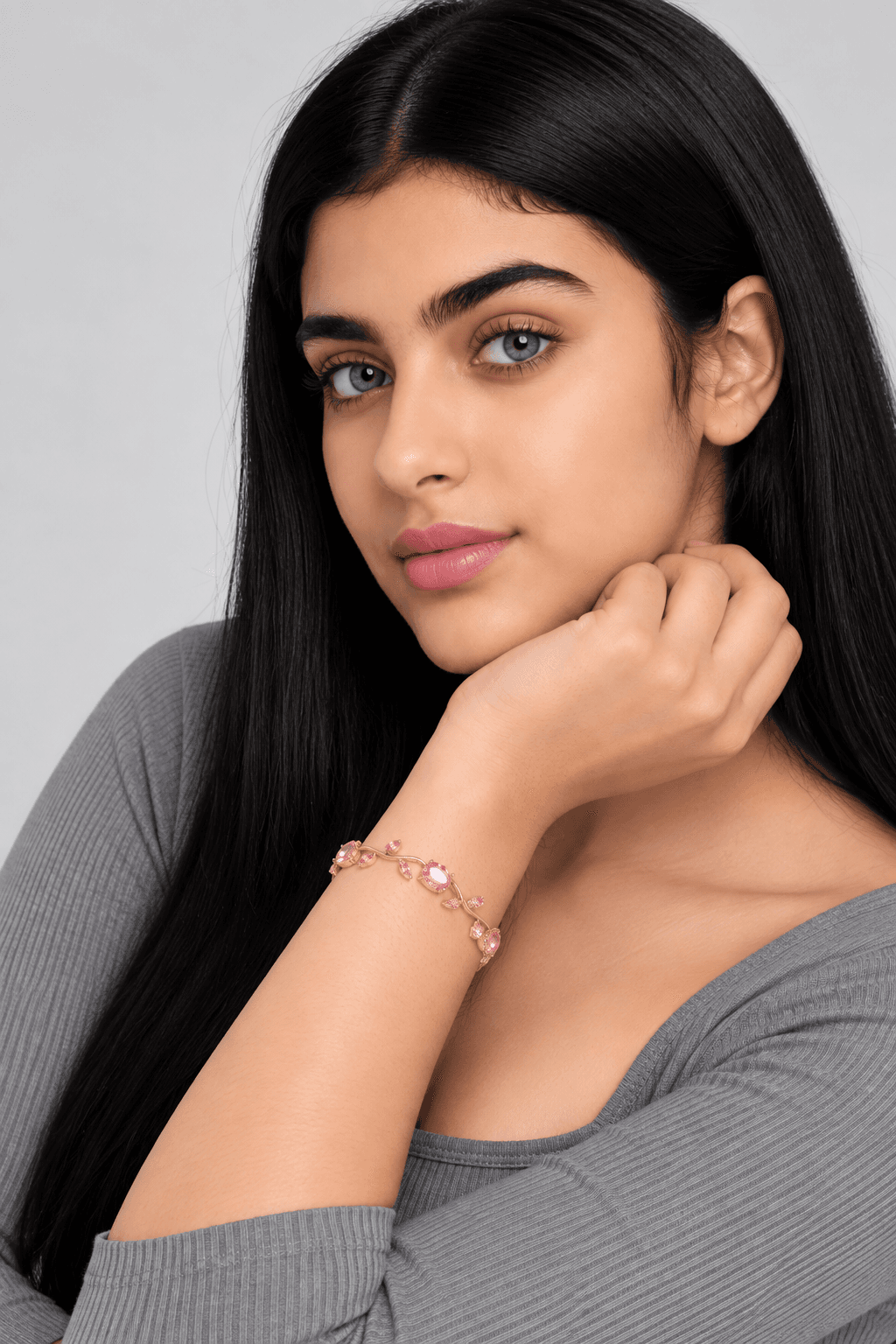
Show your jewelry and accessories worn by real models across multiple studio poses in seconds.
Showcase products from
multiple angles
Generate complete sets of close-ups and natural poses to show how your jewelry looks and fits in real life.
Keep product details
100% accurate
Gemstone colors, metals, and fine designs stay true across every single photo without distorting.
How to create product photoshoots in
3 steps
Upload your product
Upload a clear photo of your jewelry, watch, or accessory.
Pick model and poses
Choose your preferred model style and studio camera angles.
Get complete catalog shoots
Download high-res, commercial-ready photos ready for your store.
Every tool you need to create
better product visuals with AI.
Background Remover
Cut out bangles and products cleanly in seconds with crisp, pixel-perfect edges.
AI Backgrounds
Place handbags and products into realistic studio scenes with natural lighting and shadows.
Product Photoshoot
Show your bracelet worn on a model, in close-up shots ready for your catalog.
Model Photoshoot
Full-body fashion photoshoots of models wearing your apparel in stylish locations.
AI Human Model
Create realistic AI models to wear and showcase your products naturally.
Recolor
Change product colors and shades instantly to create all your color variants.
Image Upscaling
Turn low-res product photos into crystal-clear 4K images with sharp details.
Canvas Reframe
Expand image borders and change sizes easily without cropping your product.
Edit with Text
Modify products, jewelry, or details in your photo just by typing simple words.
Frequently
asked questions.
Got questions about Product Photoshoot? We have answers to help you create better commercial product visuals.